How it works
Three steps. One phone.
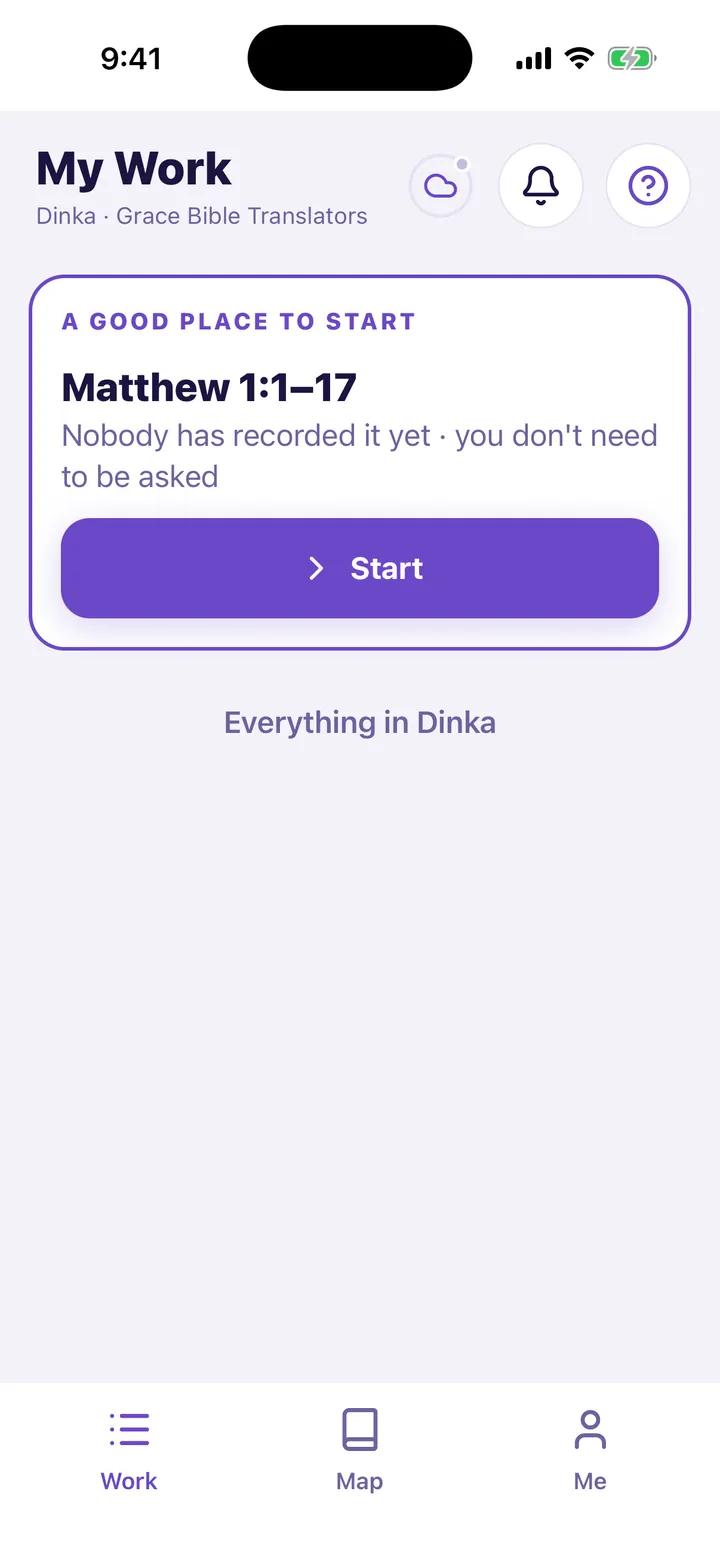
Listen
Play the source passage as many times as you need.
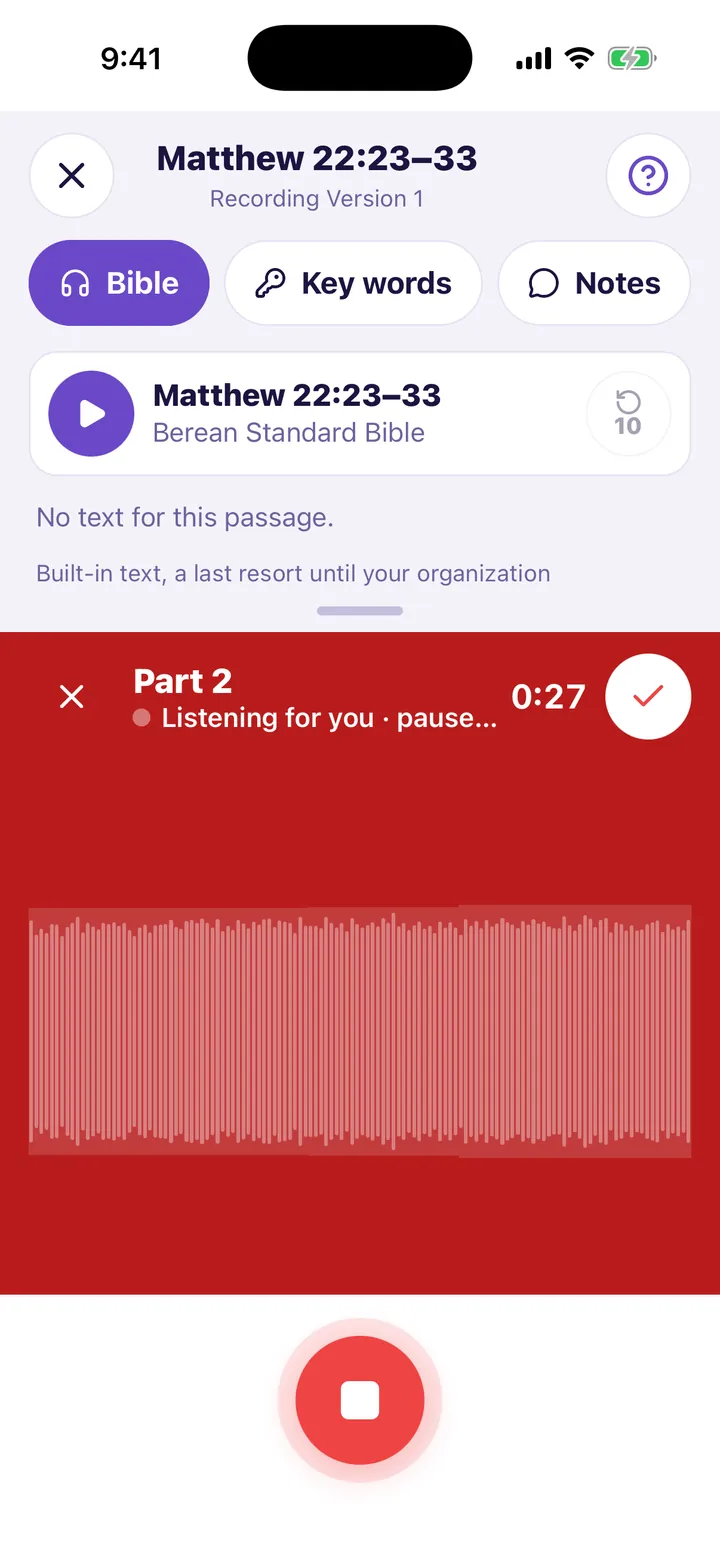
Speak
Press the red button and speak. Each pause starts a new part.
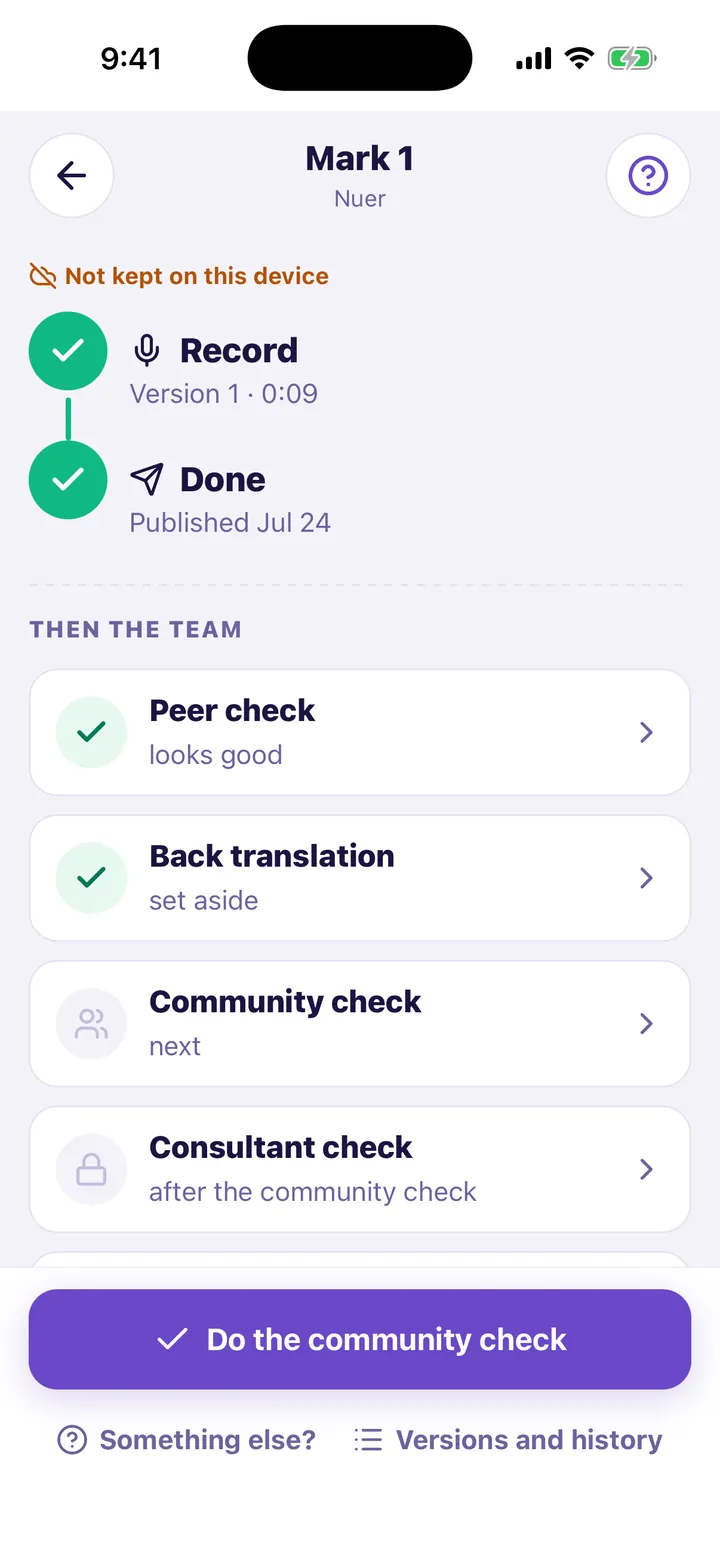
Get it heard
Publish a version, so that your team can listen while it is fresh.
Offline first
No signal for a month? Keep working.
Every change is saved on the phone first. When a connection comes, the work syncs. Nothing waits for the internet, and nothing is lost when it goes.
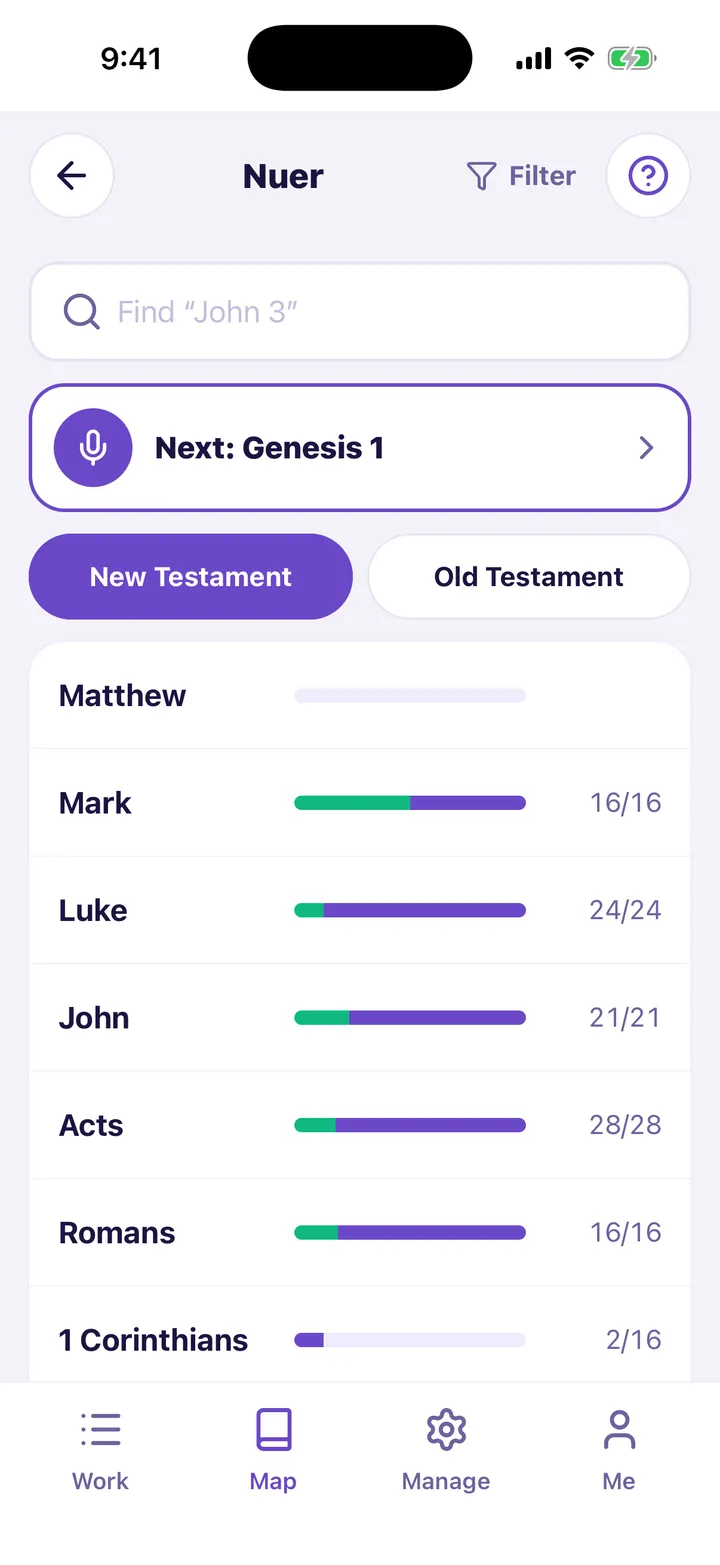
Your process
A tool for the process your team already trusts.
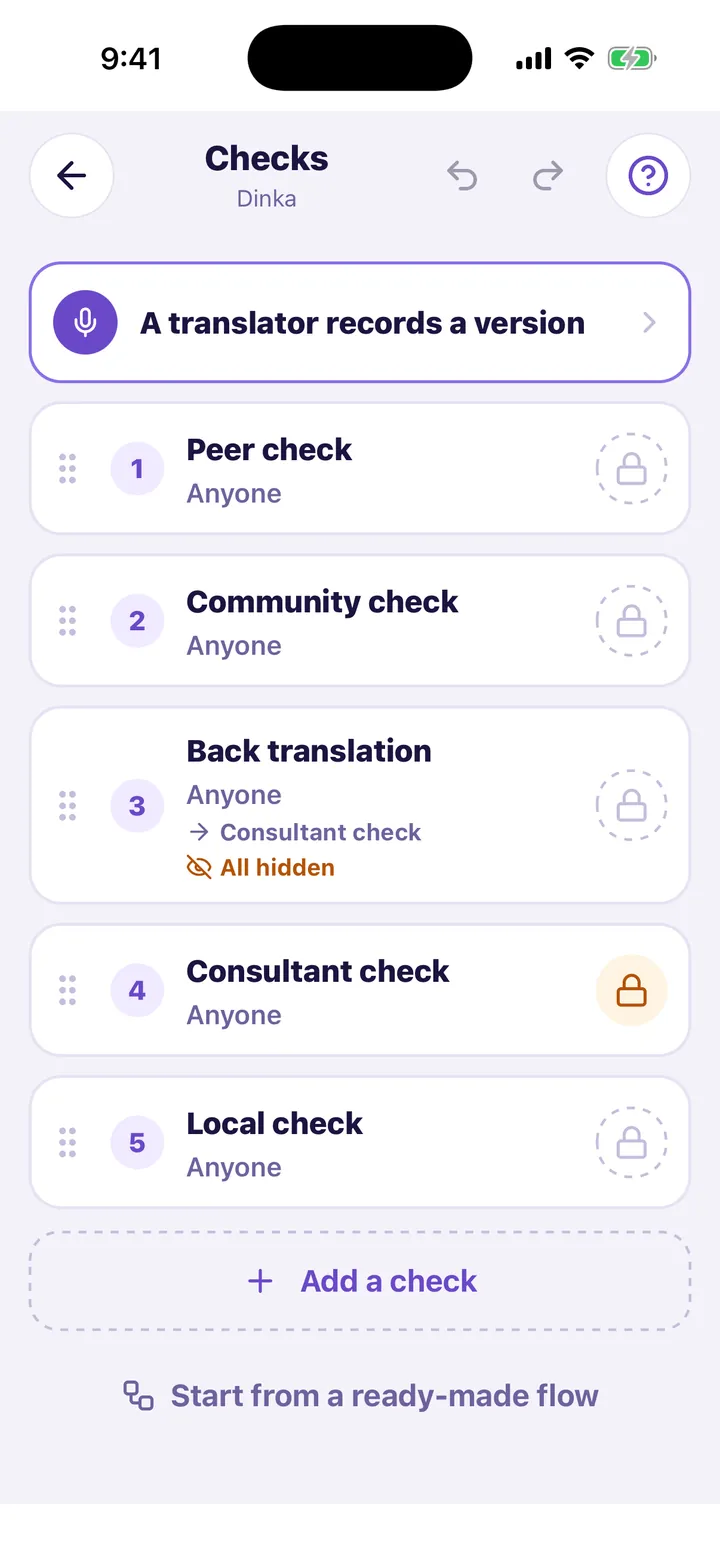
Your organization sets its own checks, roles and reference material. LangQuest does not prescribe one method.
- Peer checkStep 1
- Community checkStep 2
- Back translationStep 3
- Consultant checkStep 4
For teams
Each person sees the work that is theirs.
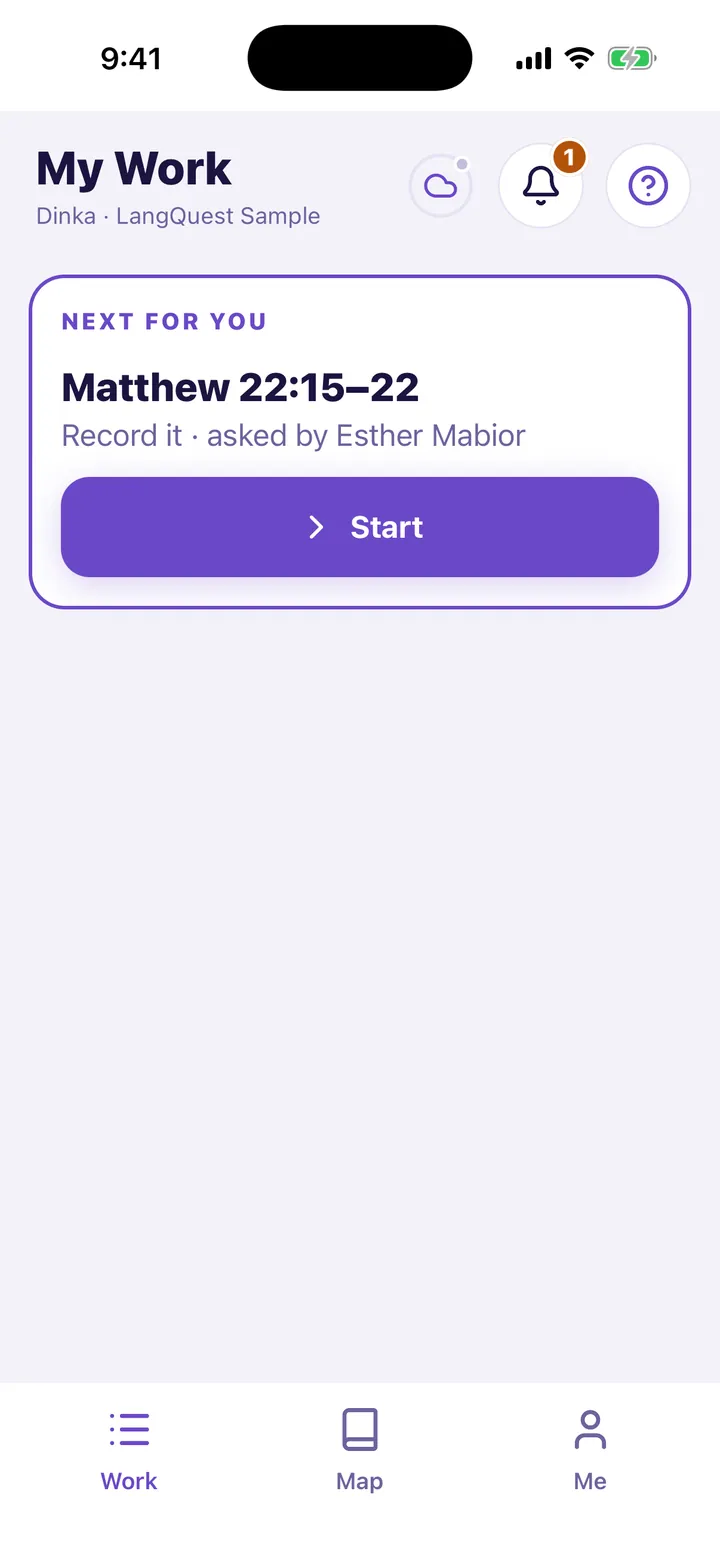
Translators
Open the app and see the next passage. Then speak.
Reviewers
Listen, say what to change, and approve. Every note stays on the record.
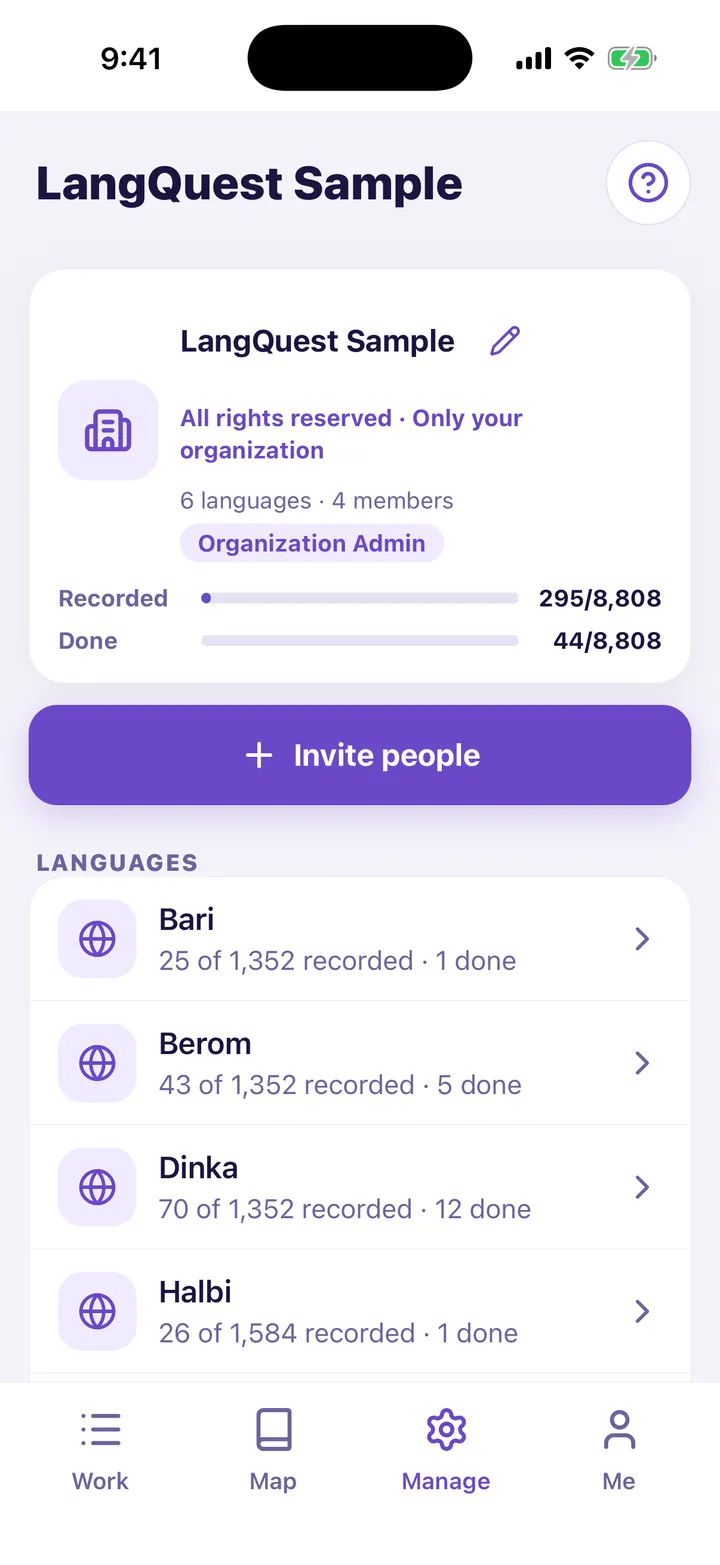
Coordinators
Invite people with a code, give roles, and follow each language.
audio clips recorded with LangQuest, as of 30 October 2026.
Translators in Mexico told us they needed “a box to put things in.”So we rebuilt LangQuest from the ground up. Every passage, take, review and version is in one place, on the phone, even offline.
Your church decides. Recordings you make stay with your organization, and your organization chooses who may use the work. LangQuest makes work and review visible. It does not certify a translation or replace the judgment of the community, translators and consultants.
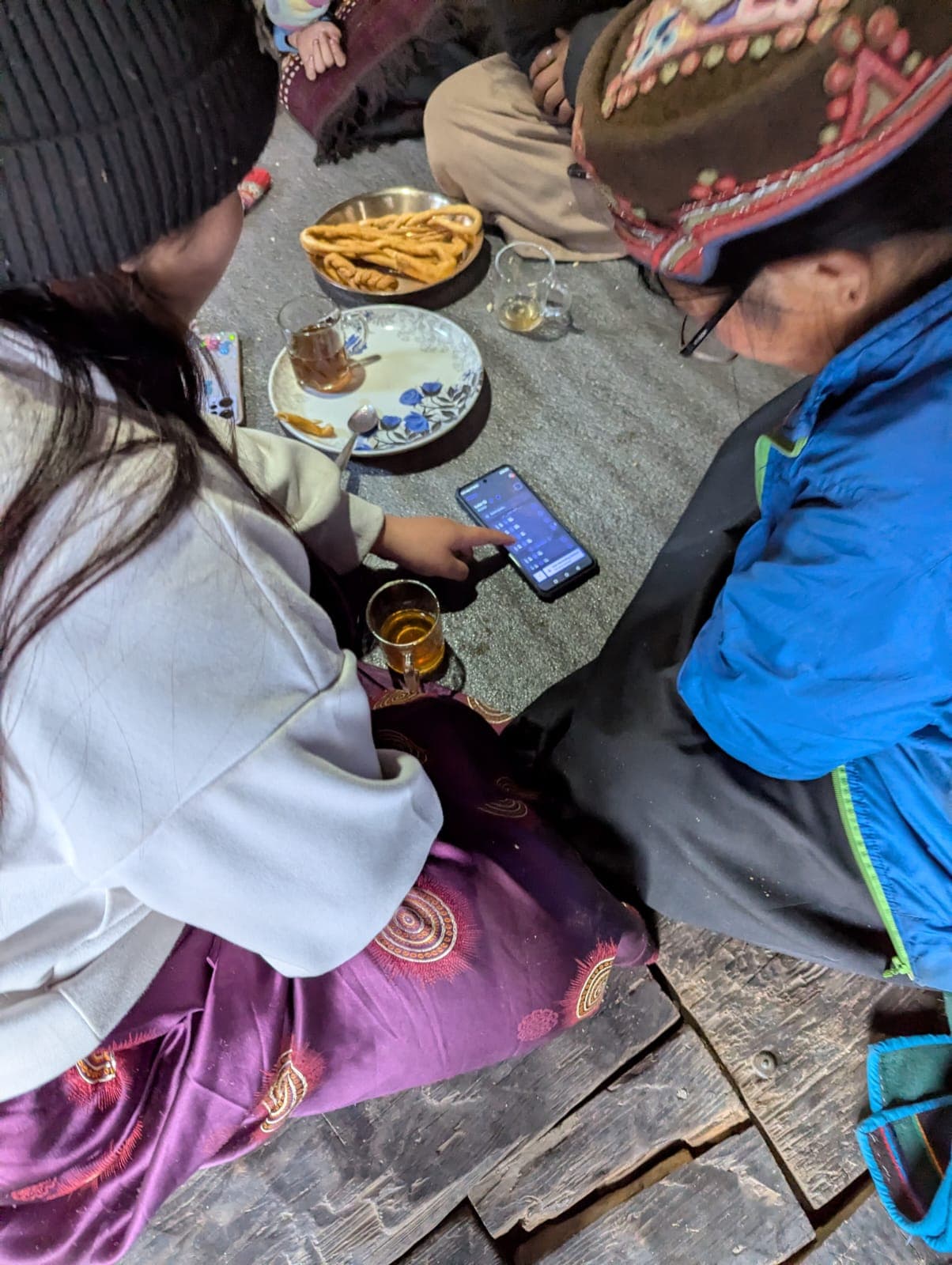
Start with one passage.
Get the app for your phone, or log in with your LangQuest account.